
KidsFocus works best when it takes less effort than it saves you. This guide gets you from zero to your first routine in five minutes flat. No fluff. No 40-step onboarding.
Before you start
- A phone, tablet, or laptop (any of the three)
- Your email address
- Your child's first name and age — that's it
The 5 steps
-
Go to kidsfocus.org and tap "Start Free Today". No credit card. No trial timer counting down.
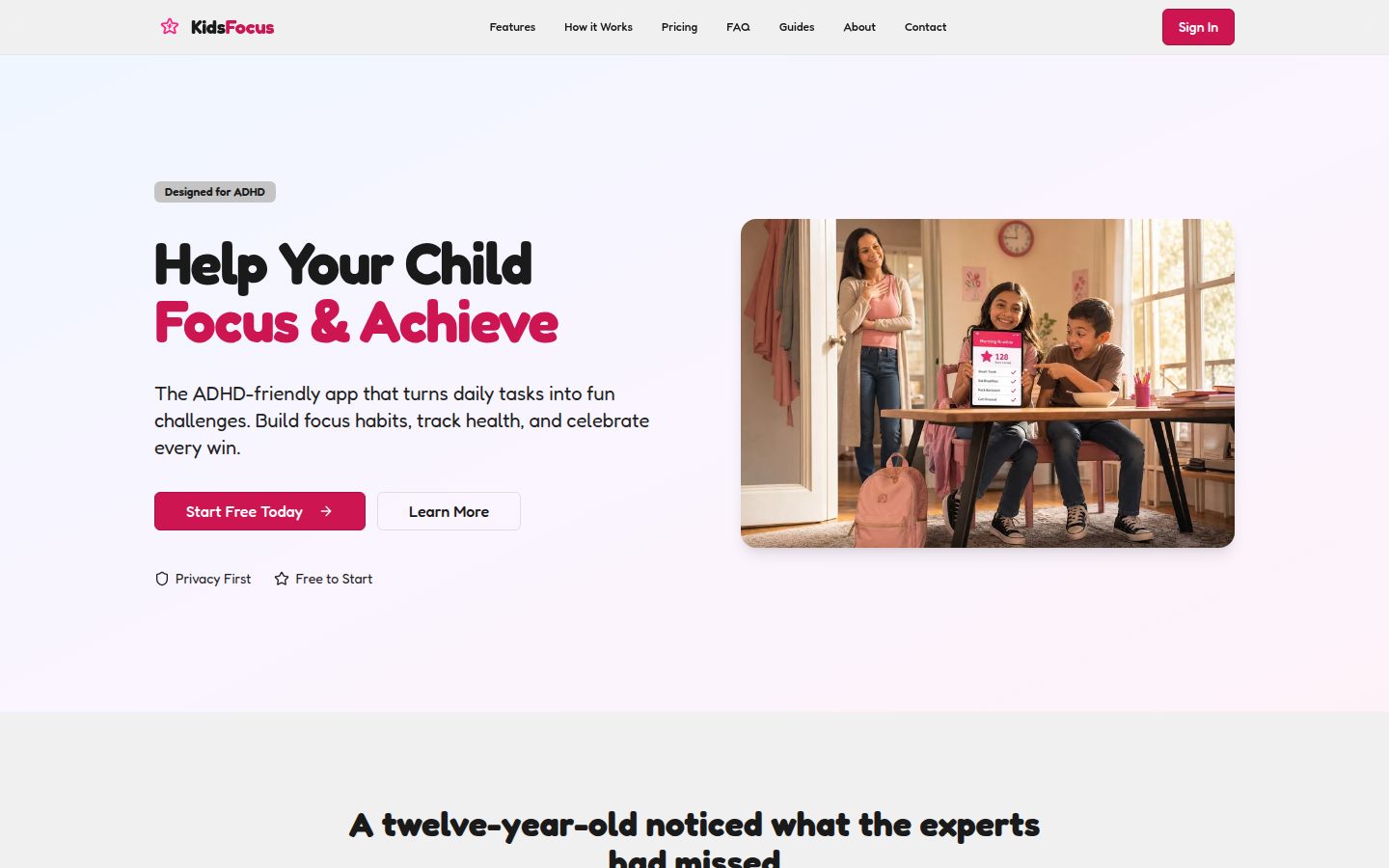
Look for the pink “Start Free Today” button on the homepage. -
Create your parent account. Choose “I'm a Parent”, then follow the secure sign-up steps. You are the driver of this account, not your child.
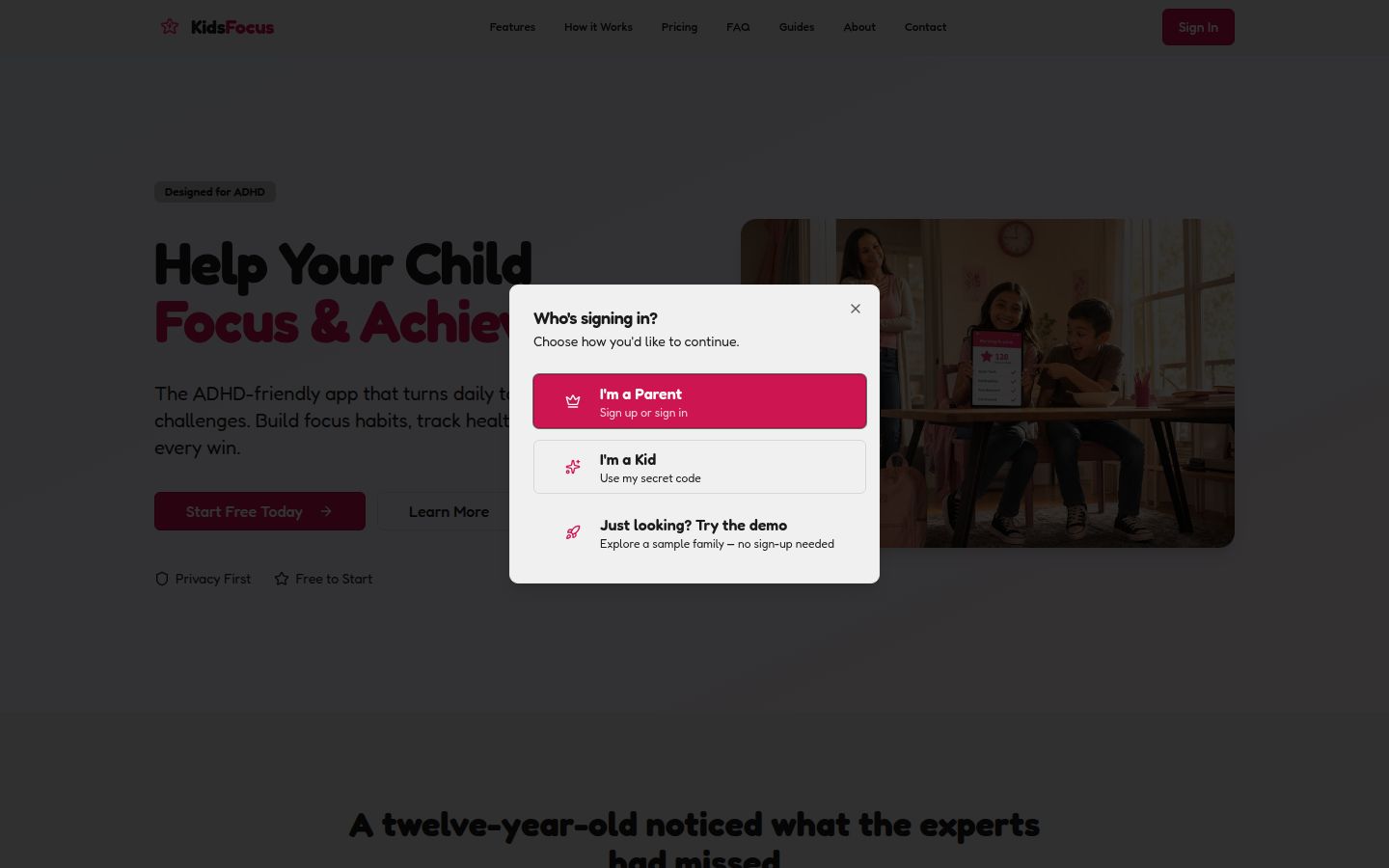
Select “I'm a Parent” to create or access the family account. -
Add your child. Enter their name and choose an avatar that feels like them.
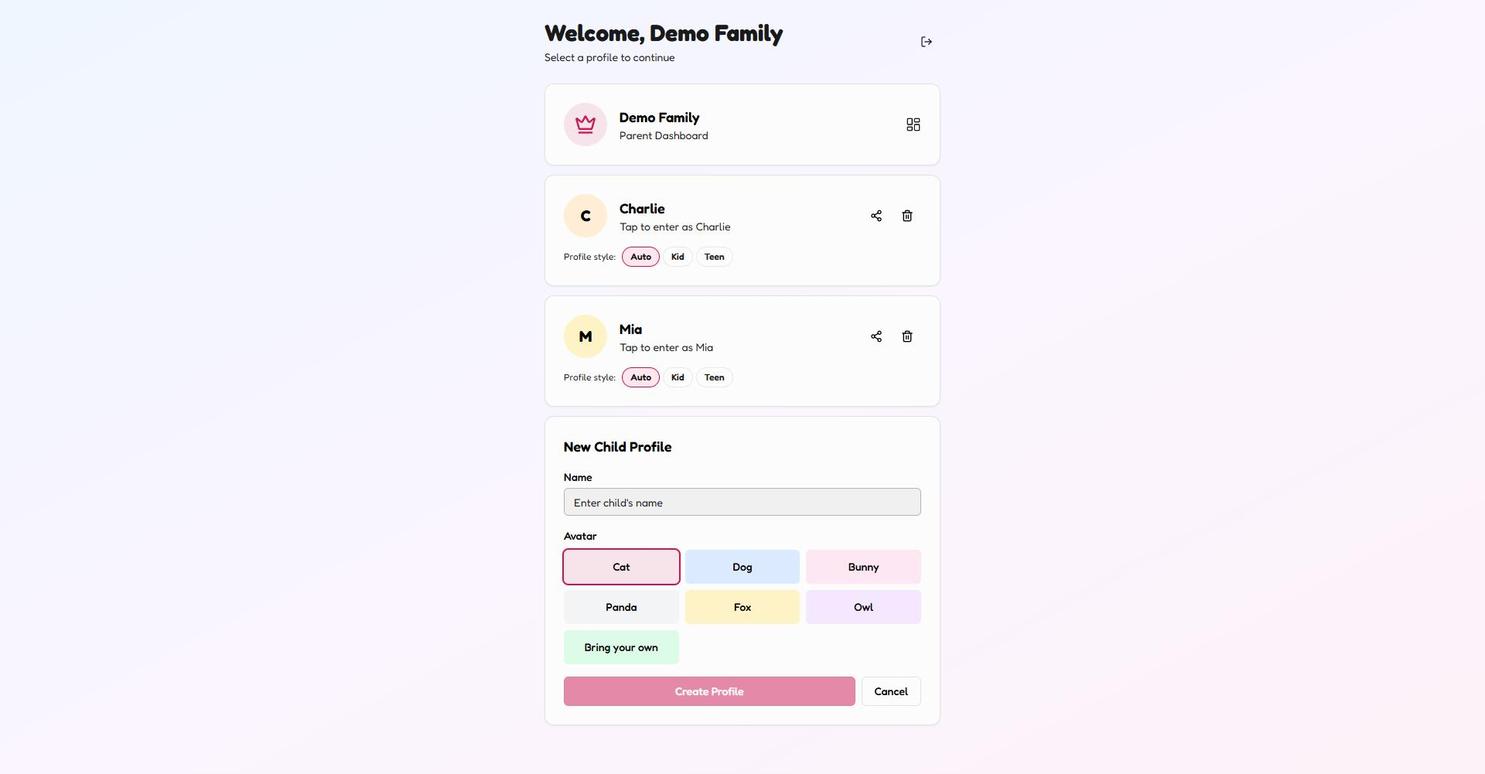
Use “Add Child Profile”, enter their name, and choose a starter avatar. -
Pick an avatar together. This is the one step you do with your child. It's quick and it flips the switch from "Mum's app" to "my app".
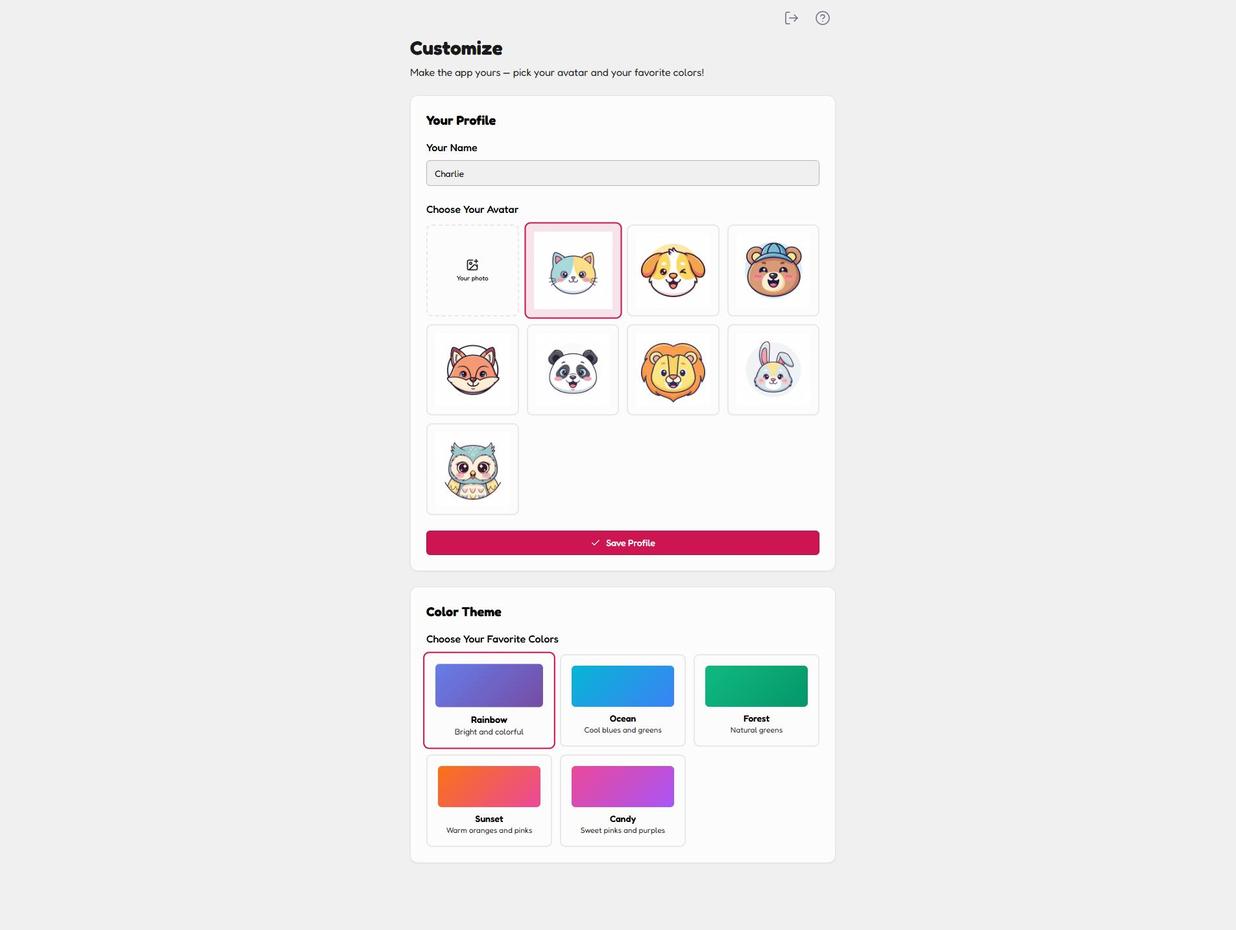
Your child can personalise their avatar and favourite colour theme. -
Choose one routine to start with. Morning is usually the winner. Skip the rest for now — you'll add them later.
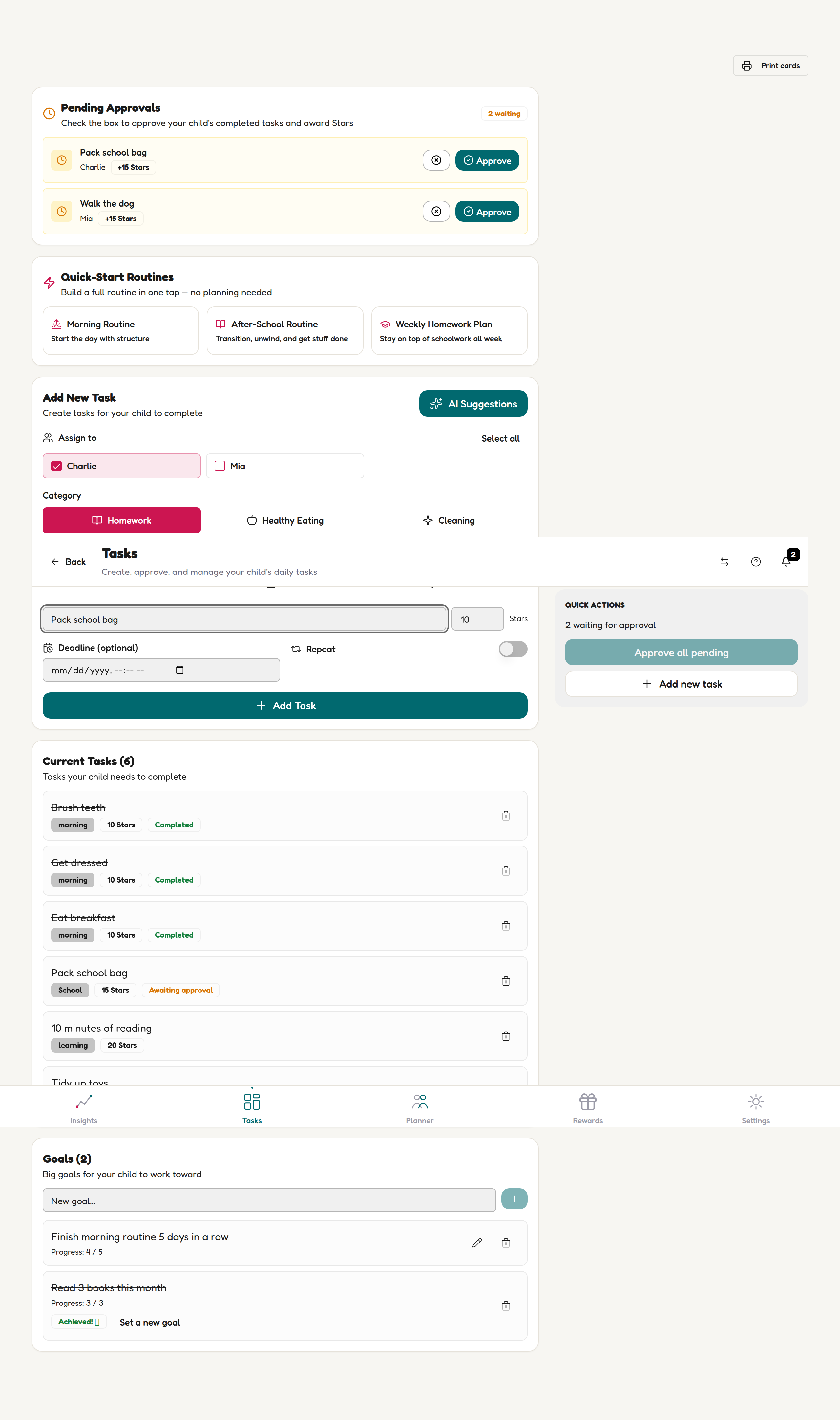
On the Tasks page, choose “Morning Routine” from Quick-Start Routines.
💡 Parent tip
Do steps 1–3 alone. Bring your child in at step 4 (avatar). This keeps the setup fast and the reveal exciting.
What you'll see next
The parent dashboard opens. You'll see three big tiles:
- Today's routine — what your child is doing right now
- Focus Stars — the reward tracker (we'll turn this on in Guide 3)
- Add a task — a big friendly button for anything you want to add
✅ You're done with setup
Seriously. That's it. If it took longer than 5 minutes, tell us — we consider that a bug.
What NOT to do (yet)
Do not try to set up every routine in one sitting. ADHD parents who over-configure on day one give up by day three. Start with one routine, three tasks max. You can always add more.