
Kids stick with tools they feel ownership of. The Style screen — found under Me → Style — is where KidsFocus stops being "the app Mum installed" and becomes "my app". Two choices, big effect.
How to personalise
-
Open the Me tab and tap Style ("Pick your avatar and favorite colors") — the Customize screen opens.
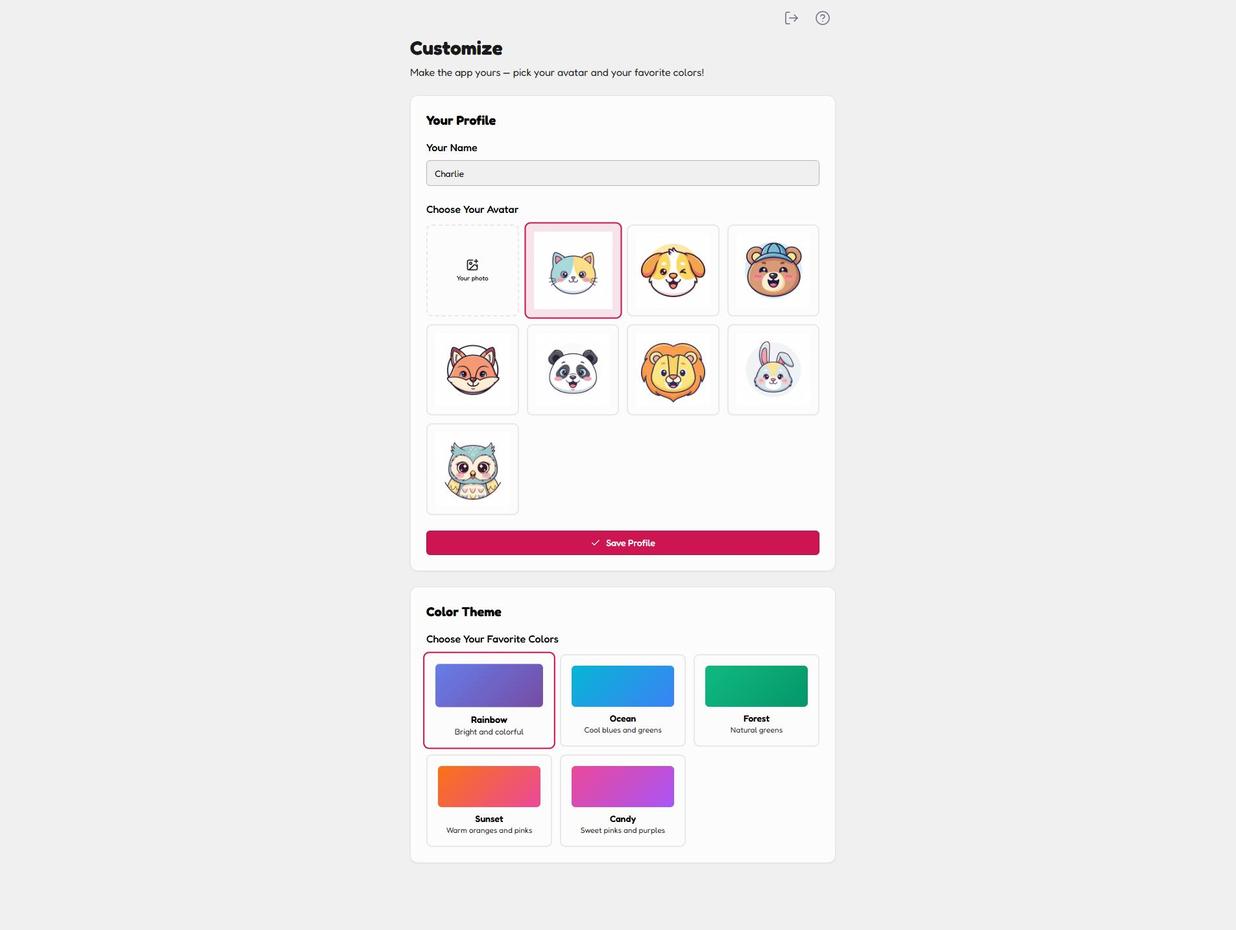
Customize: avatars, colour themes, one Save button. Simple on purpose. -
Set their name — what the app calls them every morning.

The name the app greets them with every morning. -
Choose an avatar. Eight friendly animals — cat, dog, bear, fox, panda, lion, bunny or owl — or tap Your photo to upload a real one. The picked avatar gets a pink border.
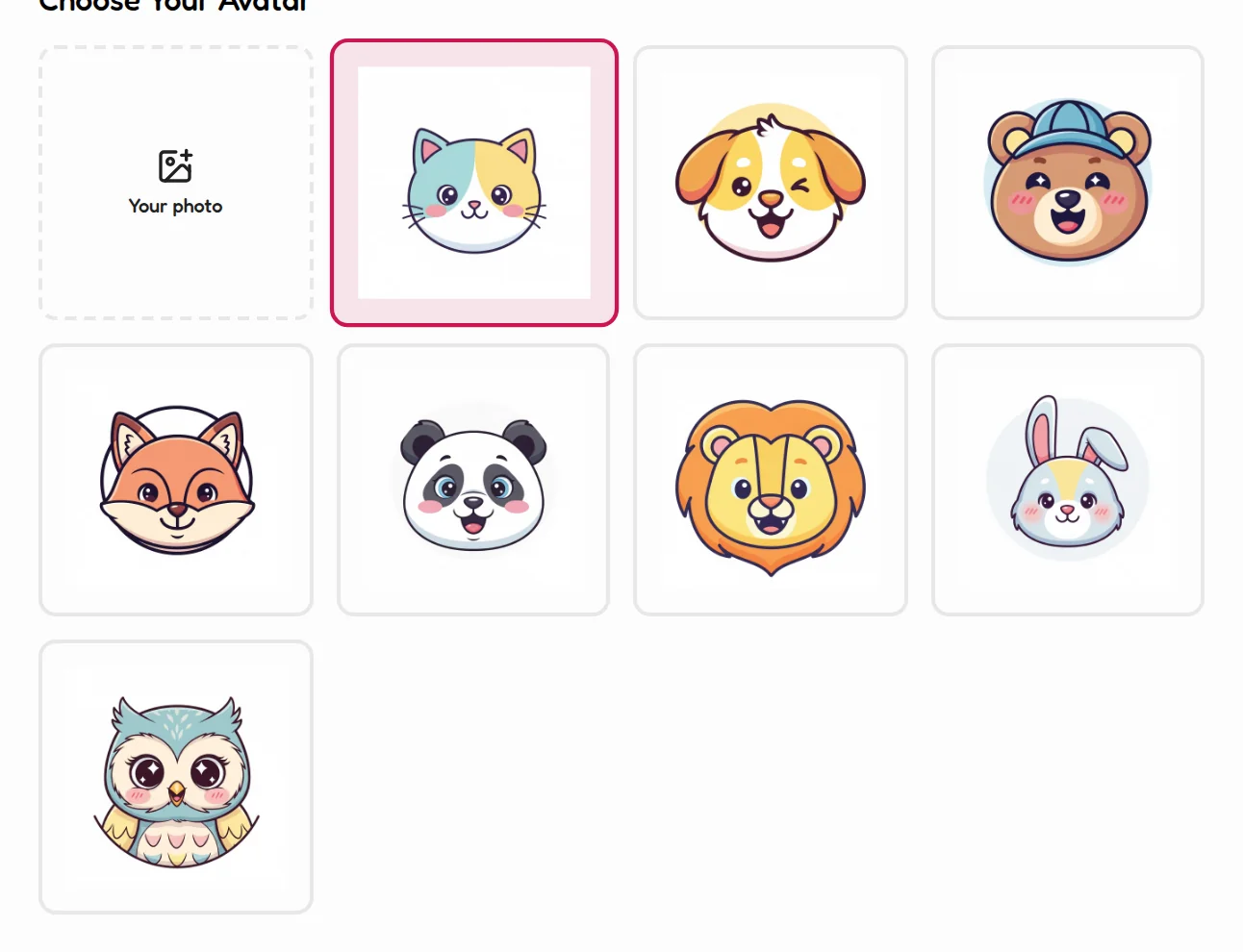
Eight animals or their own photo — the pick gets a pink border. -
Tap Save Profile.

Save Profile locks in the new look. -
Pick a colour theme below: Rainbow (bright and colorful), Ocean (cool blues and greens), Forest (natural greens), Sunset (warm oranges and pinks) or Candy (sweet pinks and purples). The whole app re-skins instantly.
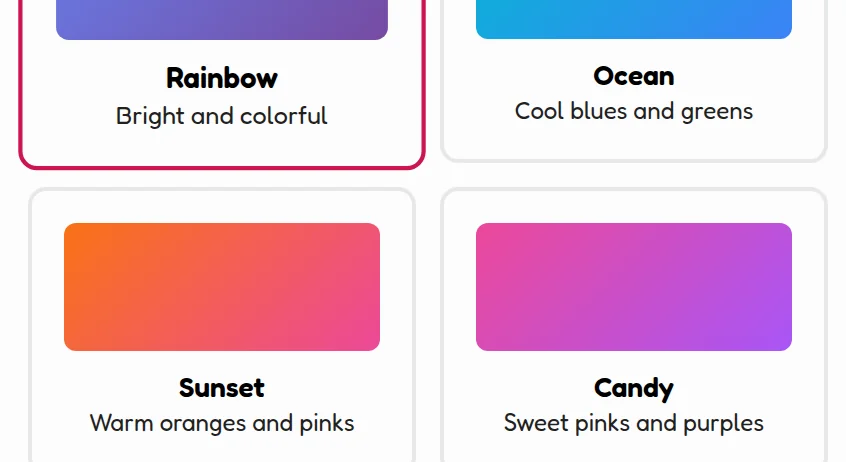
Five themes — the whole app re-skins instantly.
💡 Parent tip
Let them change it as often as they like. A kid who re-themes their app weekly is a kid opening the app weekly. That's the whole game.
✅ That's the full tour
You've now seen every screen your family will use day to day. The best next step isn't another guide — it's three tasks on tomorrow's list. Start small, start tomorrow morning.