
Tasks handle the what; the Weekly Planner handles the when. You set the week's shape once on your Parent Dashboard, and your child sees it from their Earn tab via My planner → — predictability is one of the kindest things you can give an ADHD brain.
Set up the week
-
Open the Planner tab on your Parent Dashboard — "Plan the week ahead with visual routines".
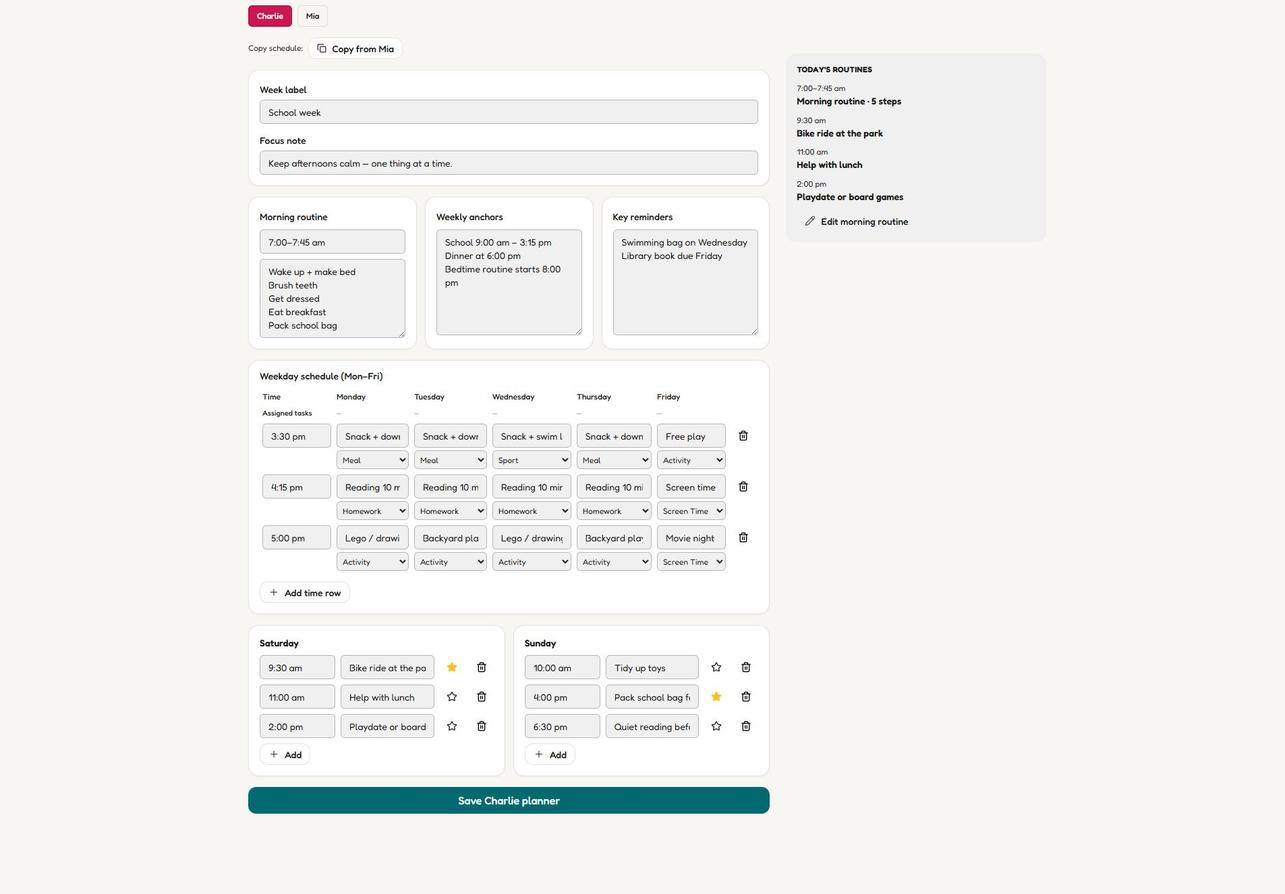
The Weekly Planner: anchors, reminders and the Mon–Fri grid on one calm page. -
Name the week with a Week label, e.g. "School week". The Copy schedule dropdown duplicates an existing week — a lifesaver for siblings with similar schedules.
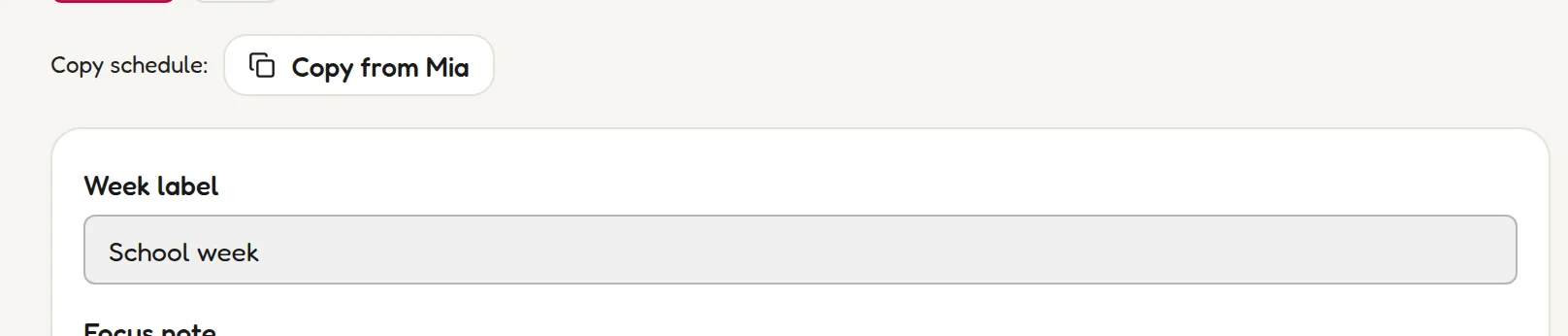
Name the week — Copy schedule duplicates an existing one. -
Add a Focus note — the week's one priority in plain words, like "Keep afternoons calm — one thing at a time."

One priority for the week, in plain words. -
Fill in the Morning routine — a time window plus the steps, e.g. 7:00–7:45 am: wake up + make bed, brush teeth, get dressed, eat breakfast, pack school bag.
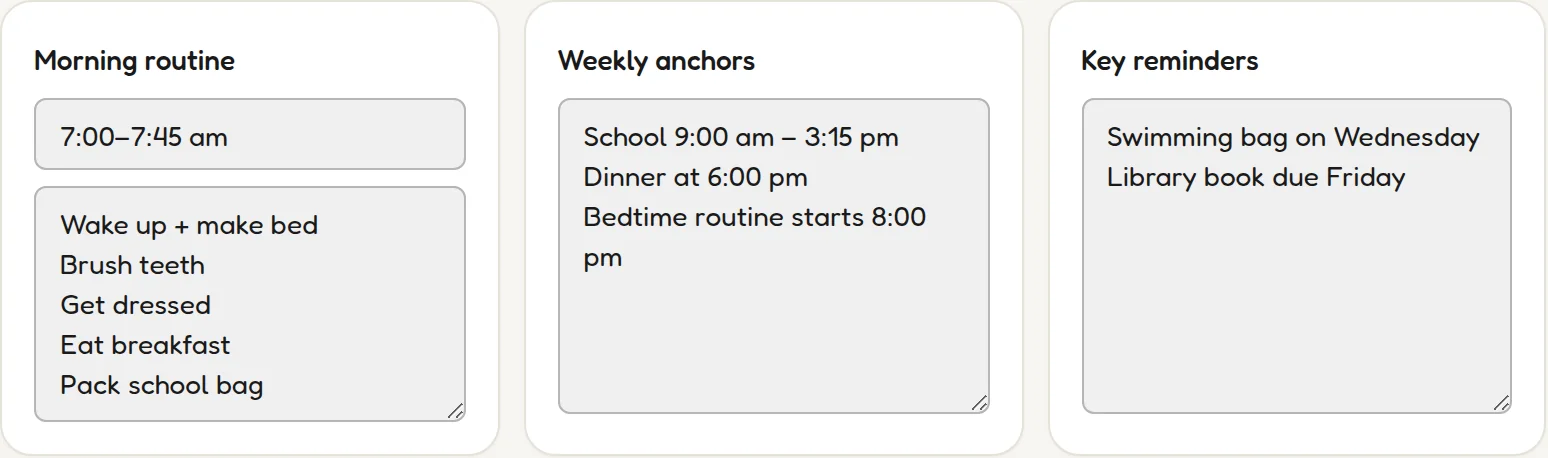
A time window plus the steps — the morning, made visible. -
Add Weekly anchors — the fixed points: "School 9:00 am – 3:15 pm", "Dinner at 6:00 pm", "Bedtime routine starts 8:00 pm".
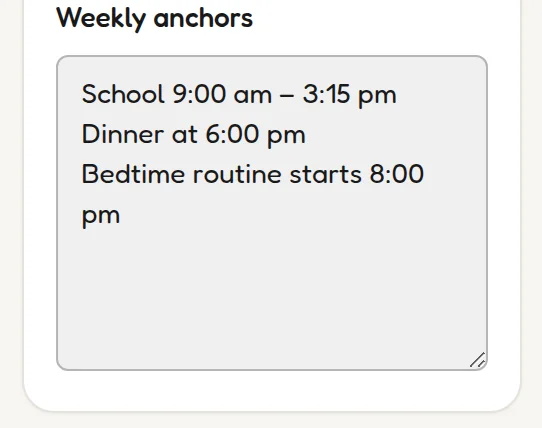
Anchors are the fixed points everything else hangs off. -
Add Key reminders — the don't-forgets: "Swimming bag on Wednesday", "Library book due Friday".
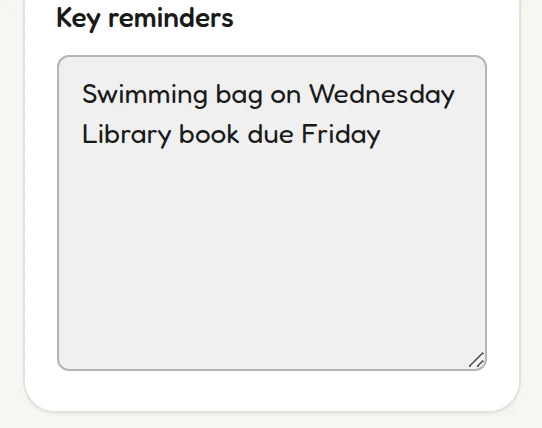
The don't-forgets: swimming bag, library book, show-and-tell. -
Build the Mon–Fri grid — time rows for the after-school hours (3:30 pm snack + downtime, 4:15 pm reading, 5:00 pm free play…) and plans for Saturday and Sunday.
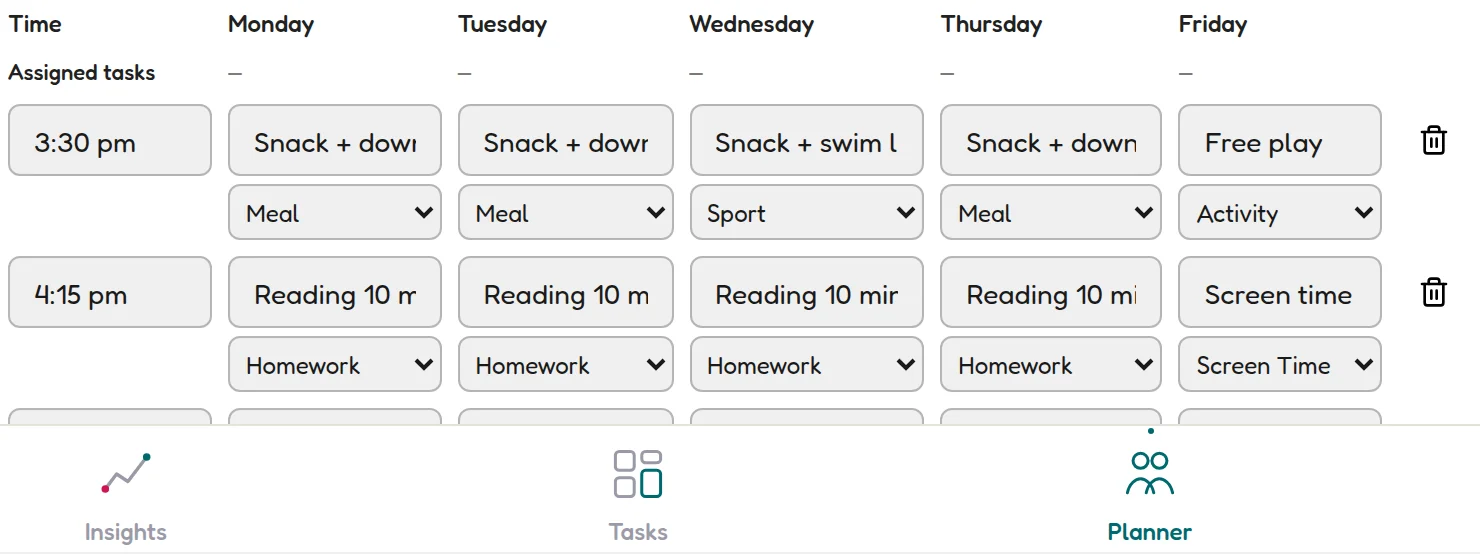
The Mon–Fri grid: after-school hours, row by row. -
Save. The week's shape now shows up for your child — and the Today's Routines panel pulls today's items into one glanceable list.
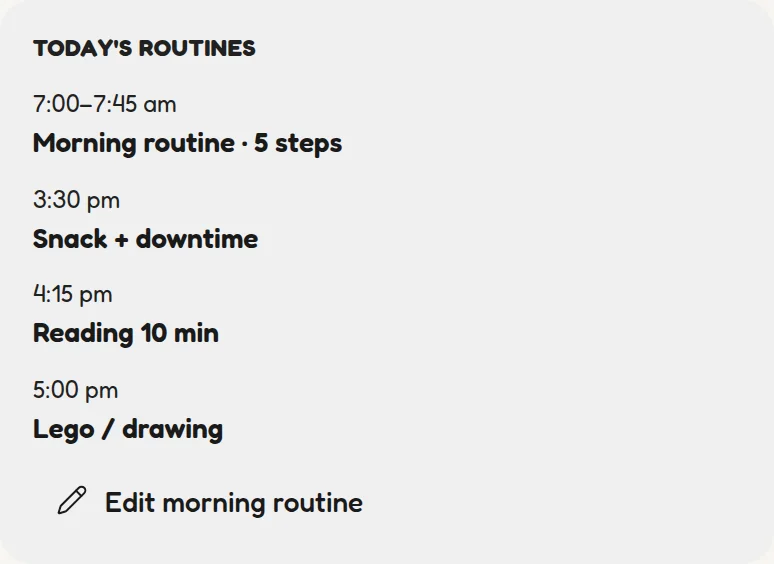
Today's Routines pulls today's items into one glanceable list.
What your child sees
Kids don't manage the planner — they just live in it. From their Earn tab, My planner → shows the week you built: no editing, no decisions, just clarity about what happens when.
💡 Sunday-night ritual
Update the planner Sunday evening, with your child where possible. Five minutes of co-planning kills most of Monday's surprises — and surprises are what ADHD mornings run on.