
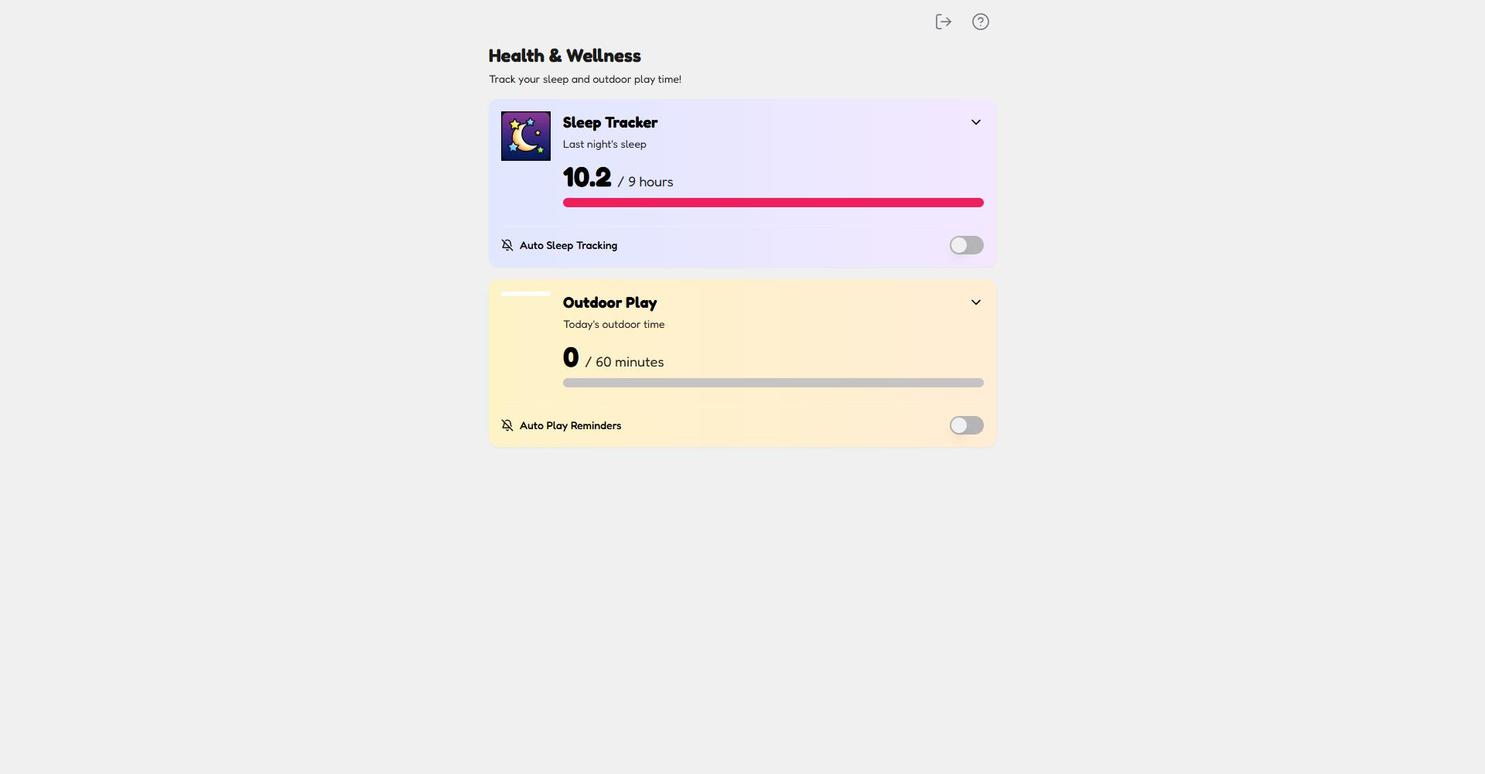
Sleep and movement aren't side quests for ADHD kids — they're the main game. A tired, cooped-up brain can't focus no matter how good the routine is. The Health & Wellness screen keeps both visible with two friendly trackers — you'll find it under Me → Health in the child view.
The two trackers
-
Open the Me tab and tap Health ("Log your sleep and outdoor play").
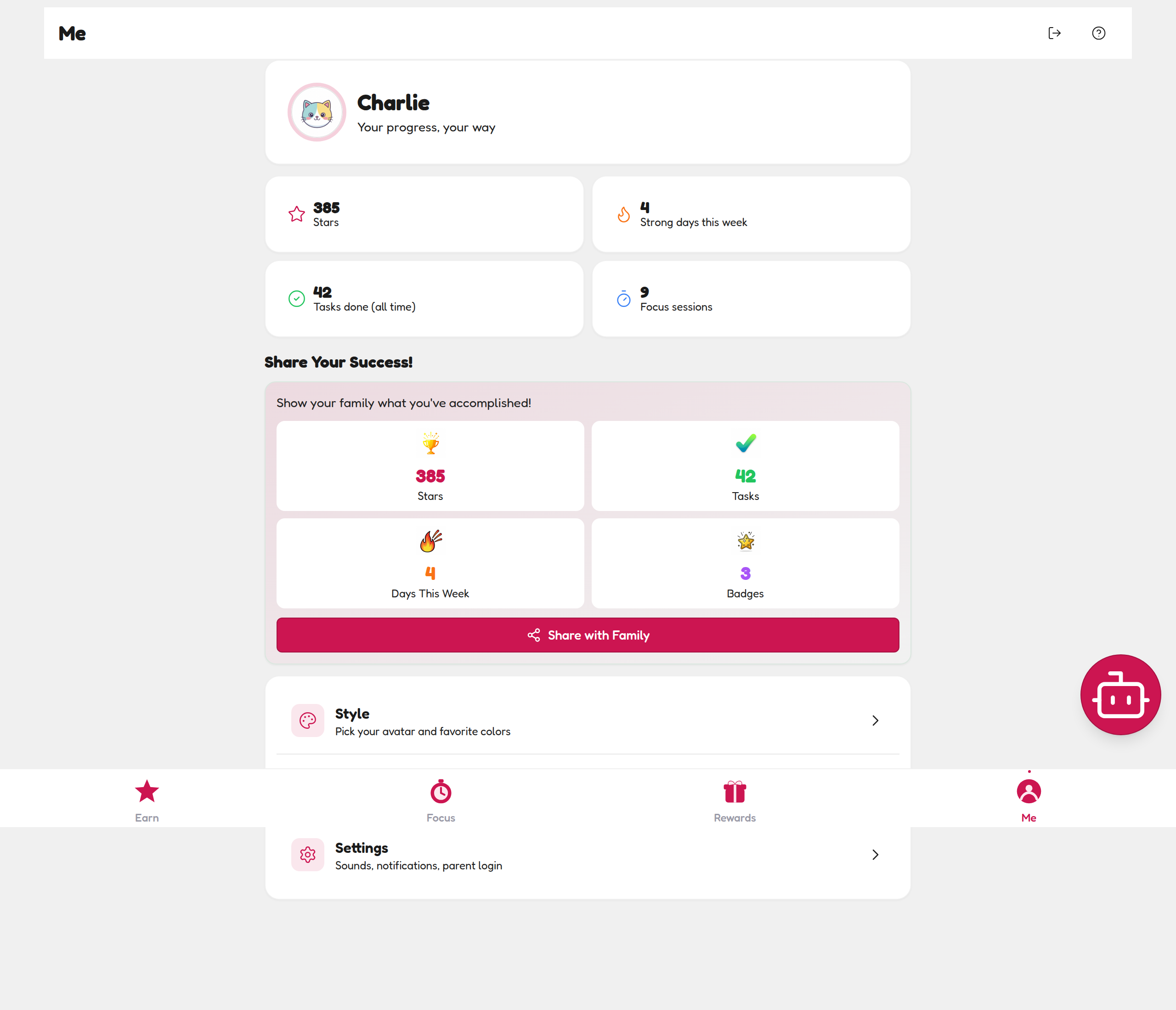
Health lives in the Me tab, between Style and Settings. -
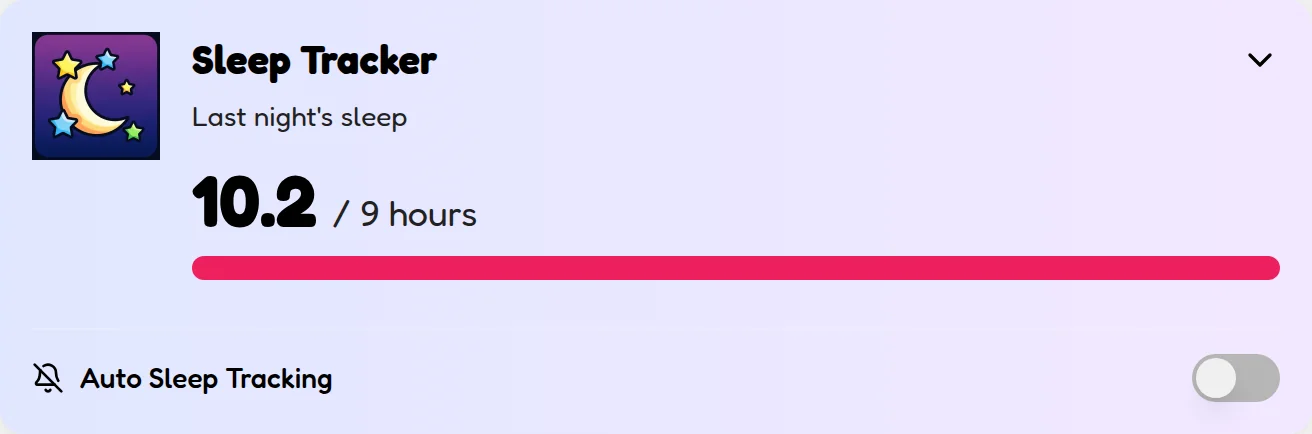
Sleep Tracker: tap the card to log last night's hours. The bar fills toward the 9-hour goal — Charlie's 10.2 of 9 shows a full pink bar. Late-night struggles? That number will tell you.
Tap the card, log the hours — the bar fills toward 9. -
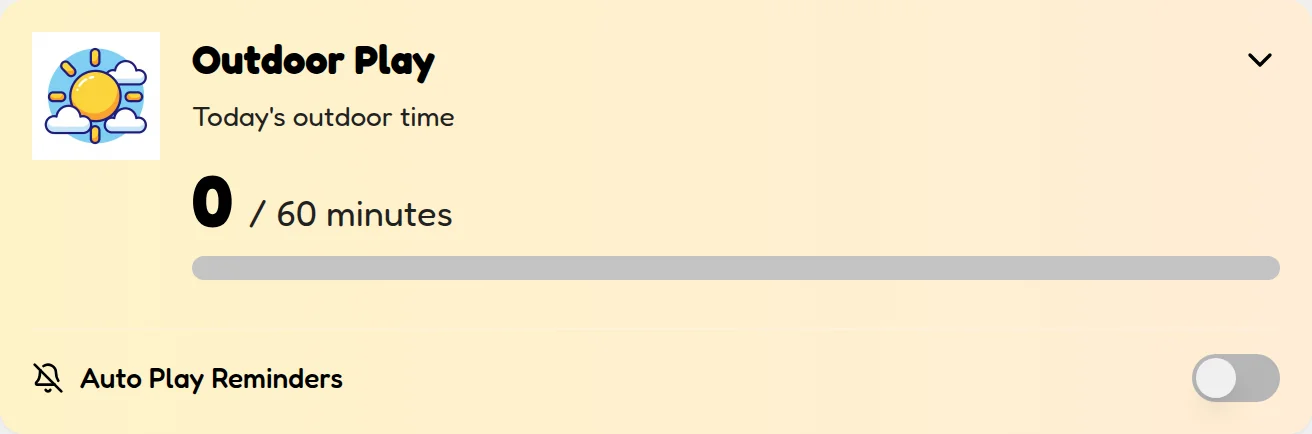
Outdoor Play: log today's outside minutes toward the 60-minute goal. Trampoline, scooter, dog walk — it all counts.
Outside minutes count toward the 60-minute goal — it all counts. -
Optional: turn on Auto Sleep Tracking and Auto Play Reminders with the toggles on each card so the app nudges instead of you.

Flip the toggles and the app nudges instead of you.
Logging prompts also show up in the LATER section of your child's Earn tab, so the habit slots into their day without any nagging.
💡 Why parents love this screen
Sleep and play averages appear on your Parent Dashboard Insights automatically. When focus sessions suddenly drop, the answer is usually on this screen — a 2am night or three days indoors.
Making it a habit
- Log sleep at breakfast — one number, five seconds, while the day is fresh.
- Log play when they come inside — "how long were you out?" becomes its own little reflection moment.
- Never use it punitively. A 0-minute play day is information, not ammunition. The tone stays curious: "what got in the way of outside today?"