
For an ADHD brain, "do your homework" feels endless. "Focus for 5 minutes" feels possible. The Focus Timer breaks work into short, winnable sprints — a kid-friendly take on the Pomodoro technique.
How it works
-
Open the Focus tab. There's a fresh focus tip at the top and — if tasks are waiting — a suggested next task with a Focus on this shortcut.
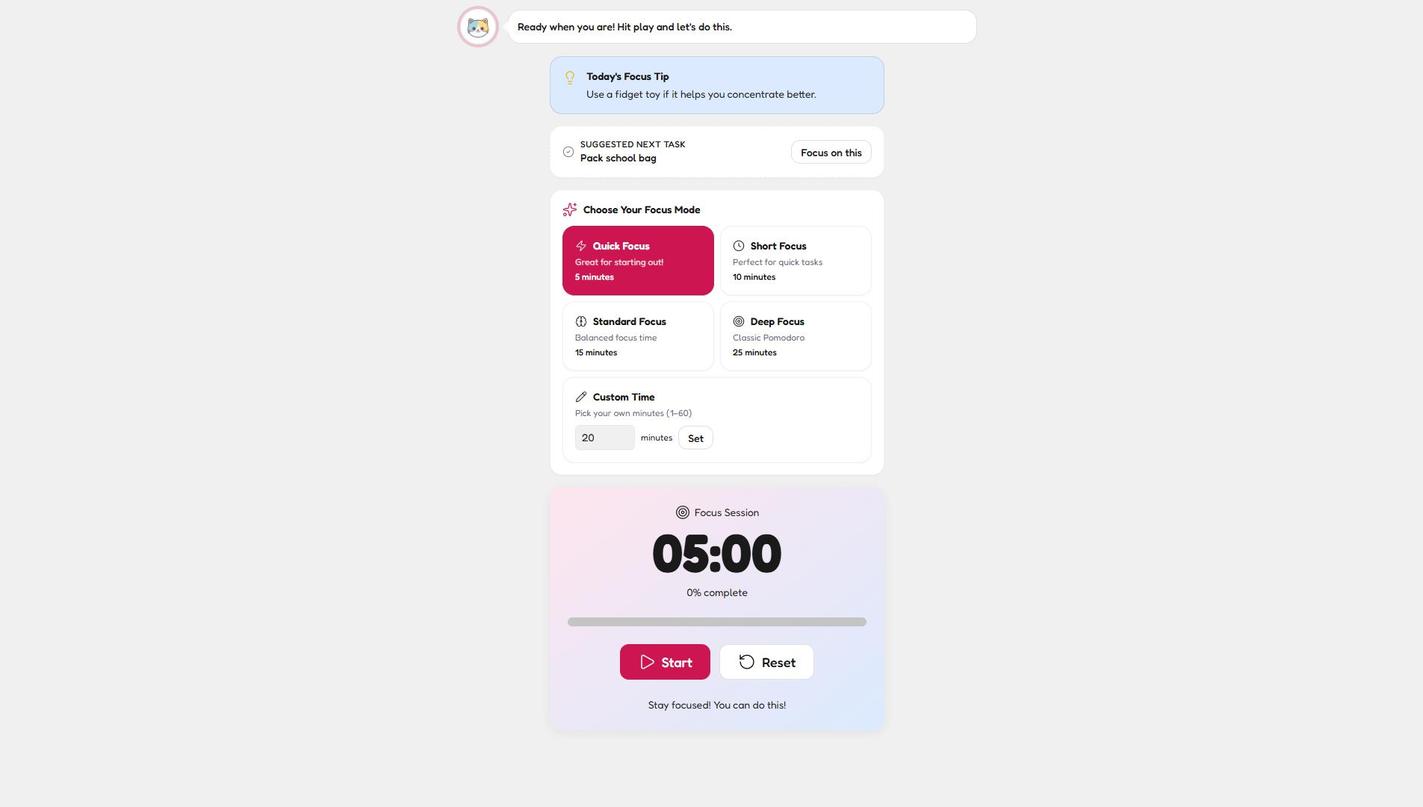
The Focus tab: a daily tip, the suggested next task, and one big friendly timer. -
Pick a focus mode. Four choices, smallest first.
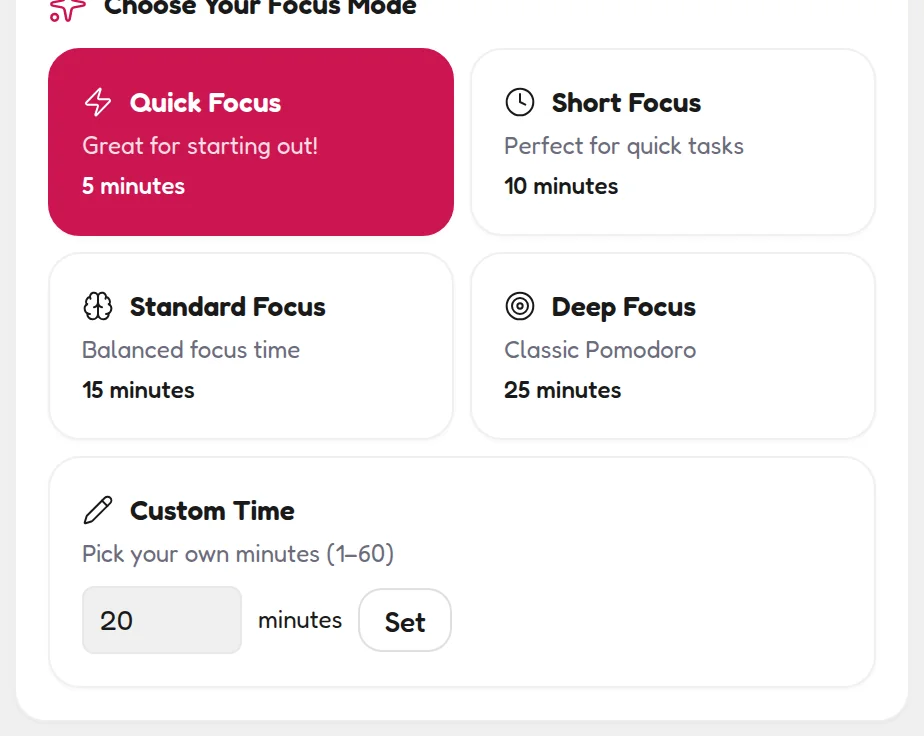
Four presets, smallest first — plus Custom Time for their exact sweet spot. -
Press Start. The big timer counts down and the progress bar fills. Phone down, eyes on the task.
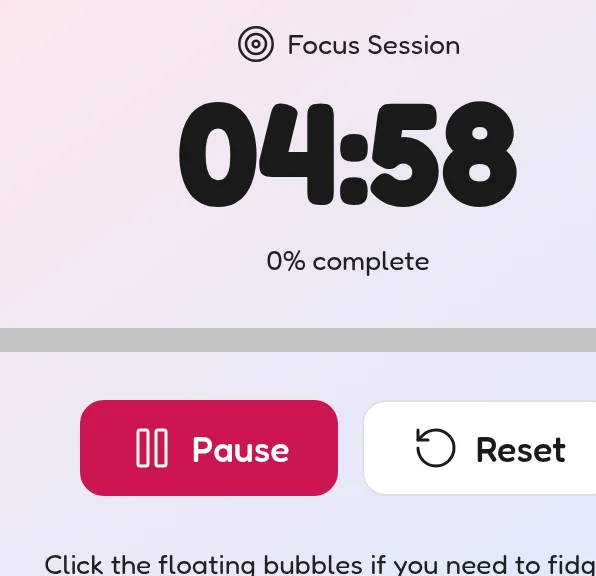
The countdown is big and calm — phone down, eyes on the task. -
Finish = Stars. Completed focus sessions count toward their stats on your Parent Dashboard.
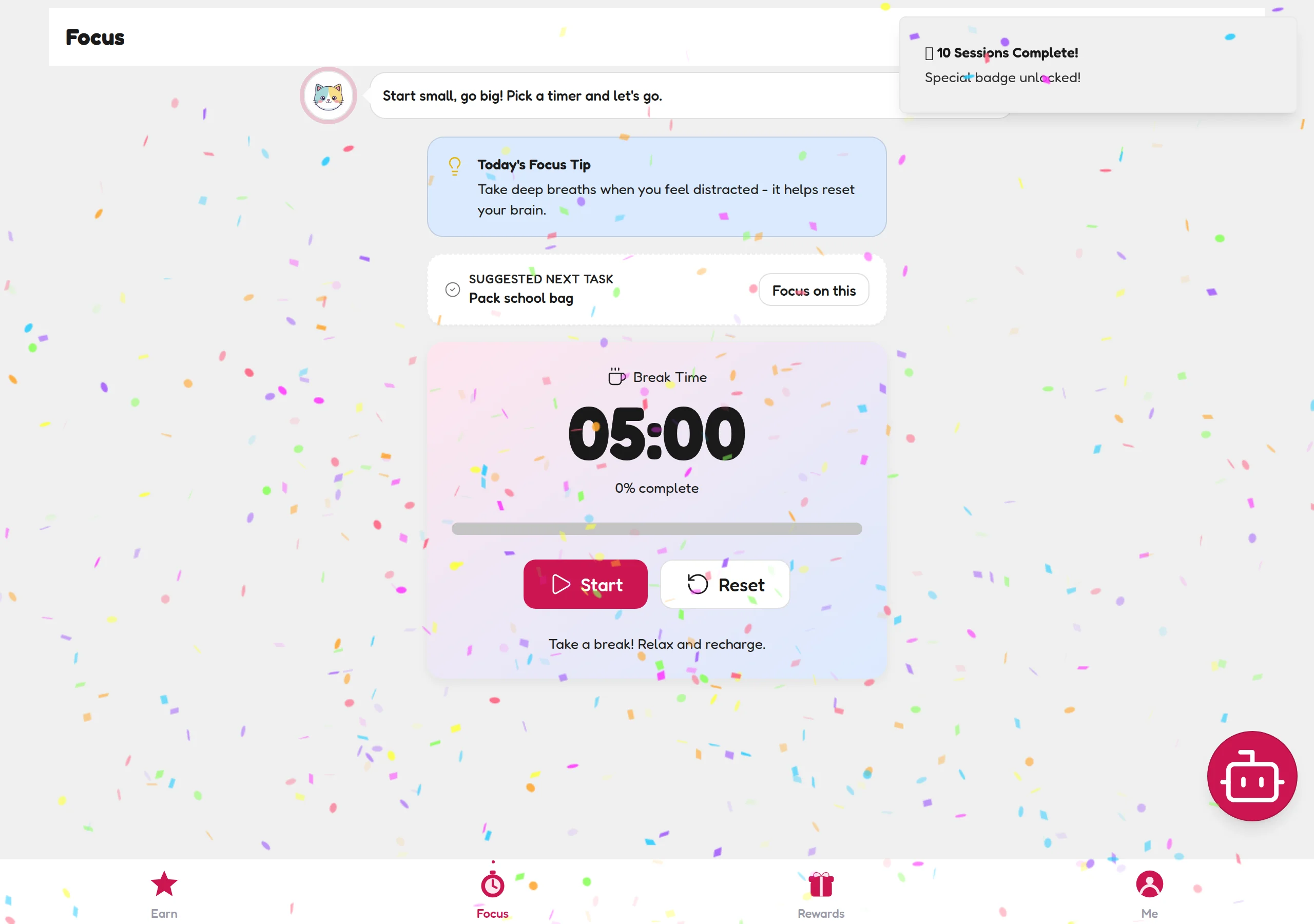
Session complete — Stars land, and the stats tick up on your Parent Dashboard.
Choosing the right mode
- Quick Focus — 5 min. "Great for starting out." The secret weapon for kids who can't get going. Anyone can do five minutes.
- Short Focus — 10 min. Perfect for quick tasks like reading or packing a bag.
- Standard Focus — 15 min. Balanced focus time for most homework.
- Deep Focus — 25 min. The classic Pomodoro, for older kids and bigger projects.
- Custom Time — 1–60 min. Type any number of minutes and tap Set. Handy once you know their exact sweet spot.
💡 Parent tip
Always start one mode smaller than you think they can handle. A finished 5-minute session builds the habit; an abandoned 25-minute one teaches avoidance. Level up once the small wins stack up.
🔗 Shortcut from the Earn tab
The NOW card on the Earn tab has a Start Me button, and this Focus screen suggests the next task with its own Focus on this shortcut — the timer opens with that task already loaded. One less decision, one less excuse.