
The goal comes first
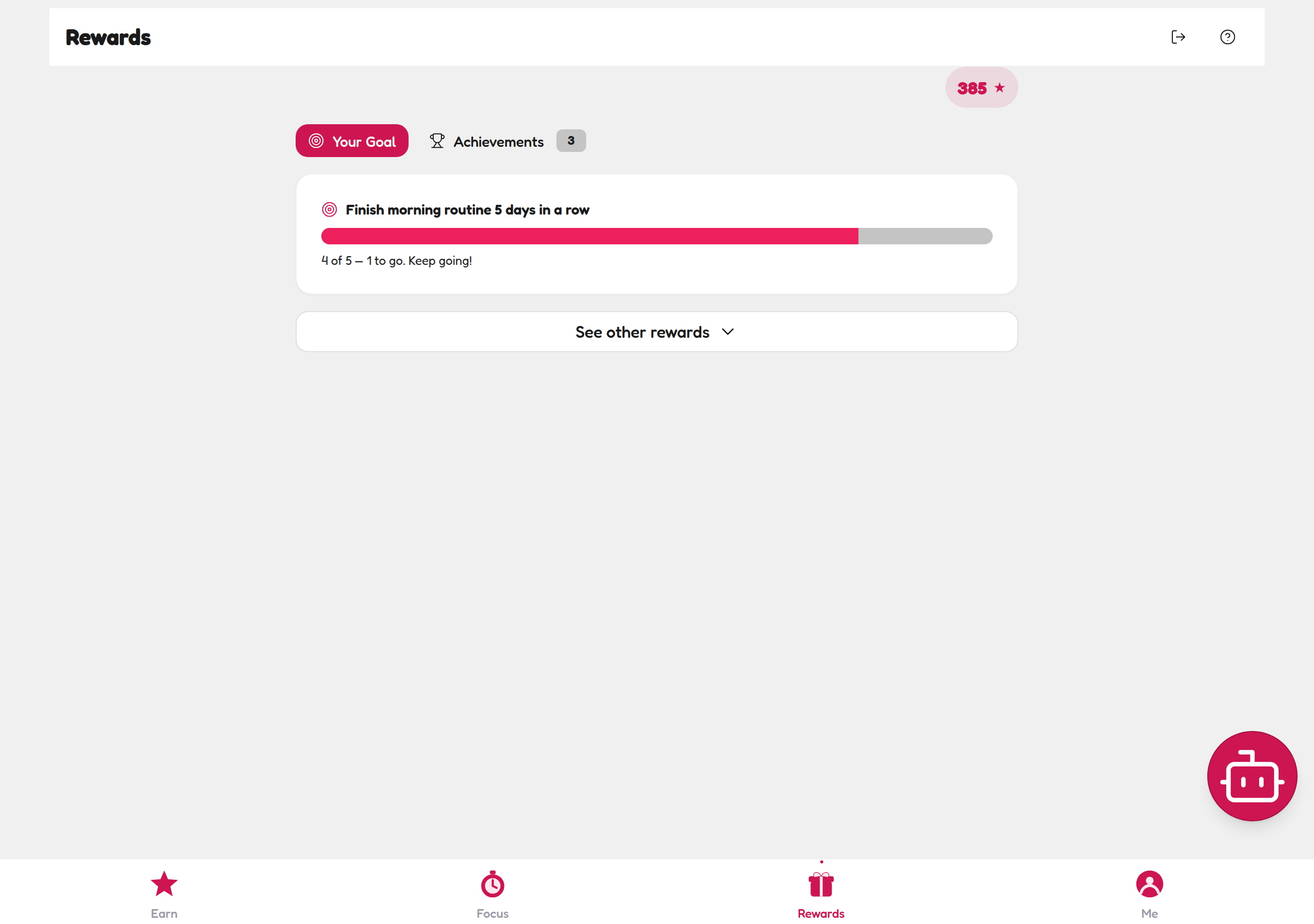
The Rewards tab opens on Your Goal — one big progress bar showing what they're currently chasing (in the demo family: "Finish morning routine 5 days in a row — 4 of 5, 1 to go. Keep going!"). Their Stars balance sits in a pill at the top, impossible to miss.
How redeeming works
-
Open the Rewards tab and tap See other rewards to unfold the Rewards Shop.
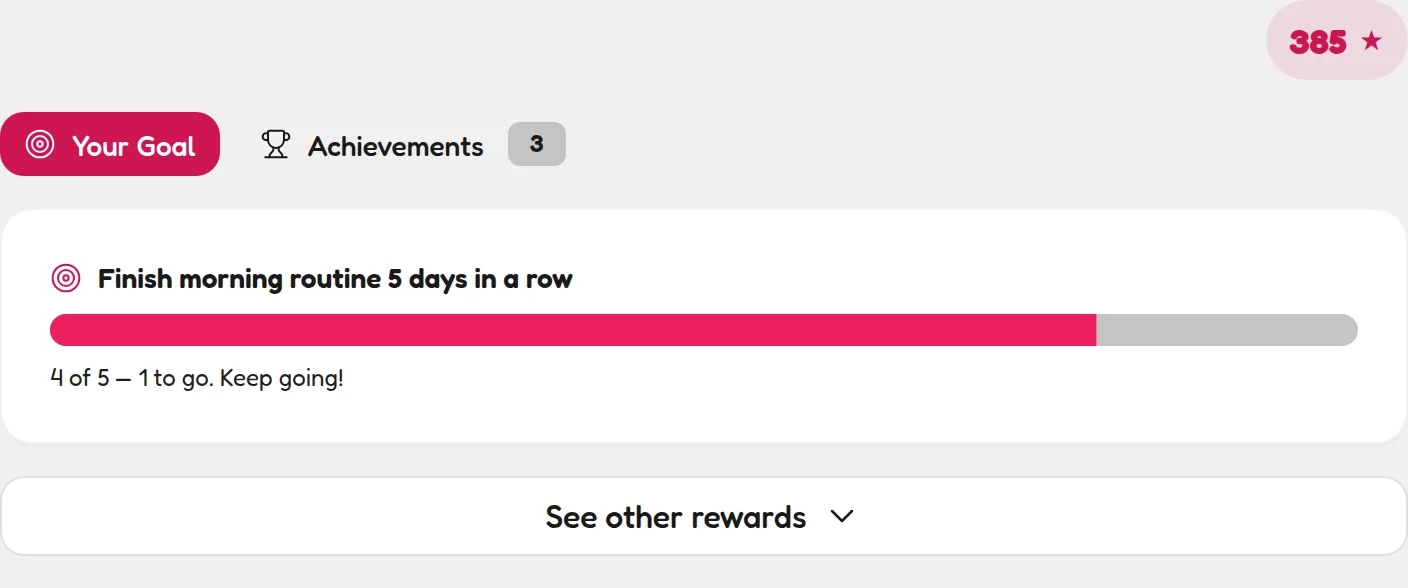
The tab opens on Your Goal — See other rewards unfolds the shop. -
Browse the shop. Every reward shows its price in Stars — the ones you made appear under "Custom Rewards from Parent".
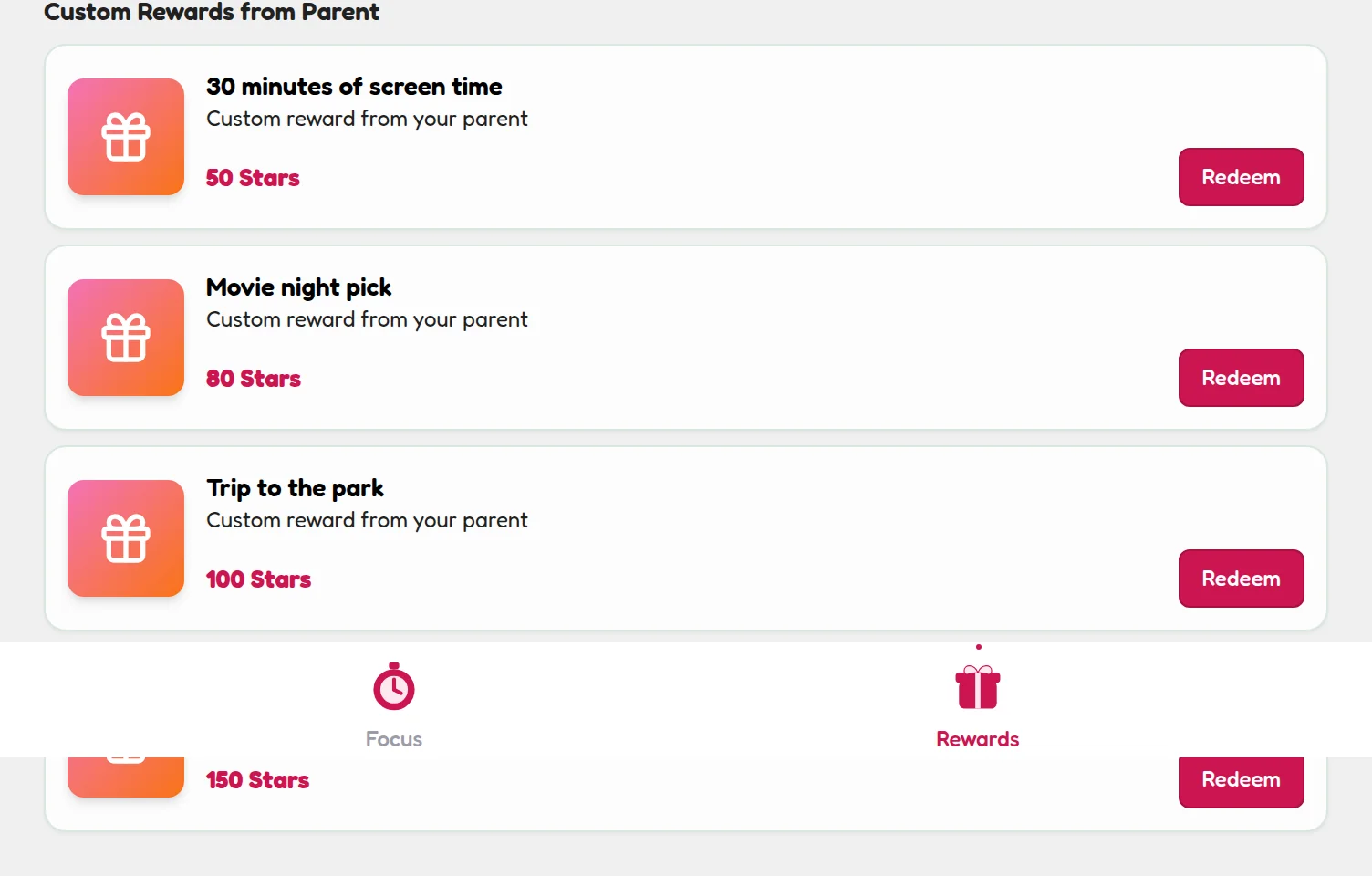
Every reward shows its price — yours appear under Custom Rewards from Parent. -
Tap Redeem. Stars come off their balance, and the request lands in Pending Redemptions on your Parent Dashboard for you to action.
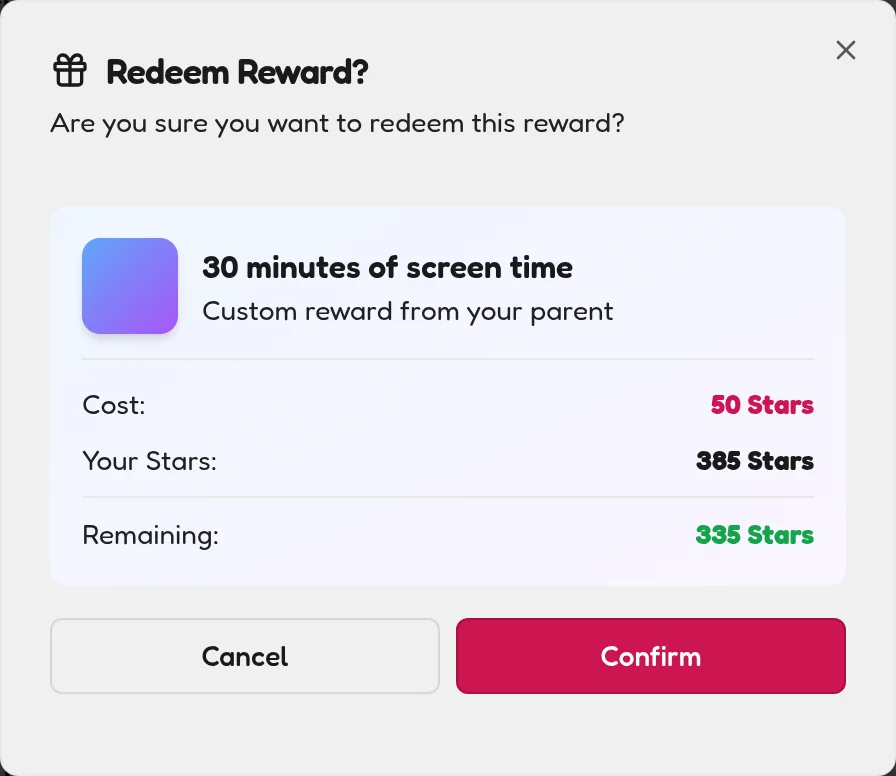
One tap to redeem — the request lands in your Pending Redemptions.
Achievements: the trophies that can't be spent
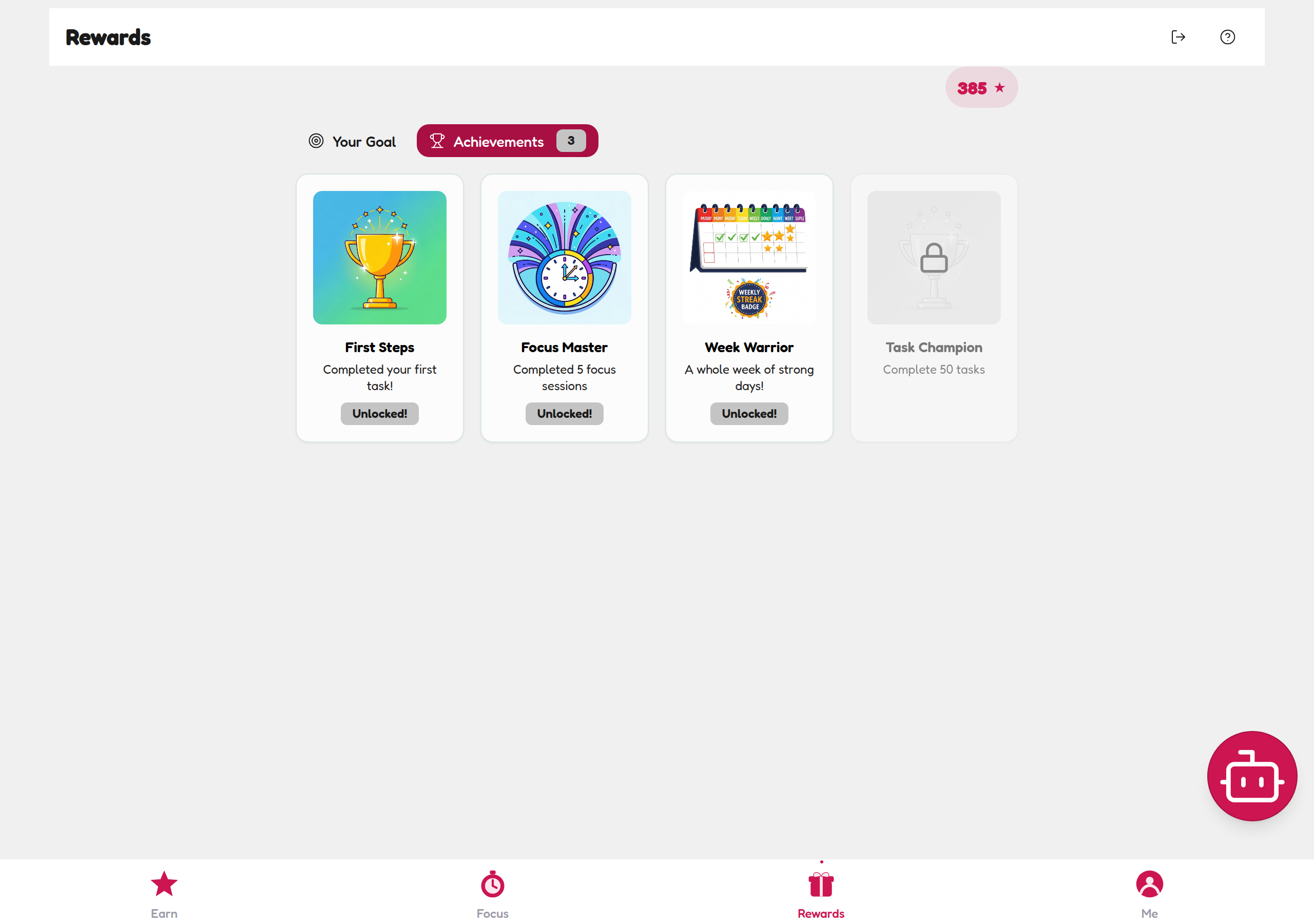
Next to Your Goal sits the Achievements tab — badges like First Steps (completed your first task), Focus Master (5 focus sessions) and Week Warrior (a whole week of strong days). Locked badges like Task Champion (complete 50 tasks) give kids something to stretch for.
✅ The full loop
Do task → earn Stars → save → redeem → celebrate. That loop, repeated, is what builds the habit. The reward isn't a bribe — it's the visible proof their effort counted.
For parents: your part of the deal
- Honour redemptions fast. A reward delivered the same day teaches the system works. A delayed one teaches it doesn't.
- Can't afford the Stars yet? That's the feature, not a bug. "You're 15 Stars away — two tasks" is a motivation goldmine.
- Celebrate loudly. Especially the first redemption. You're anchoring the whole system.
💡 Parent tip
If redemptions stall, check the prices: if the cheapest reward costs more than three days of Stars, lower it. Early wins matter more than long-term economics.